
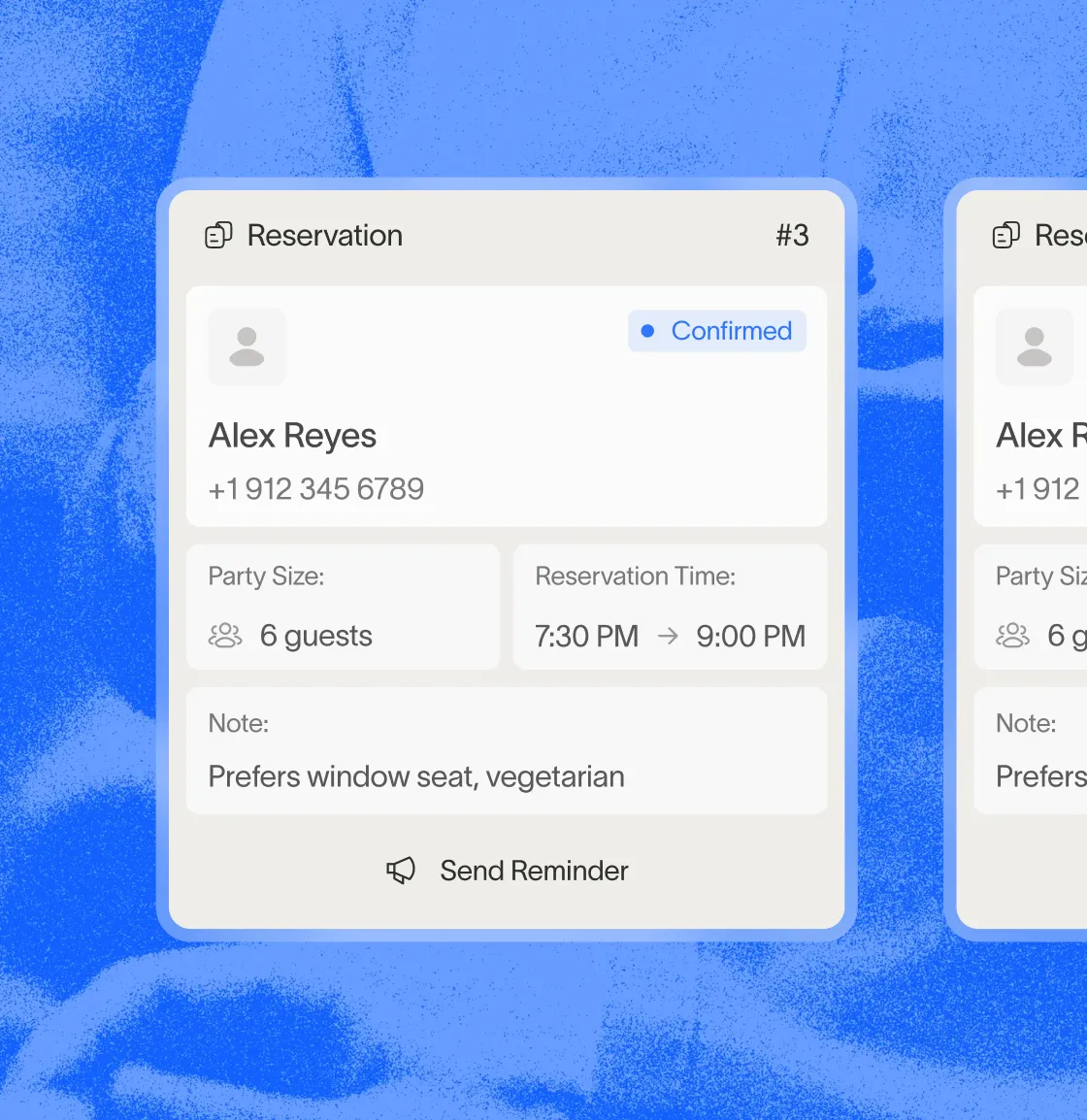
24/7 Customer Inquiries
Maple Voice answers common restaurant questions. Set the information callers need and the requests your staff should handle.

Answer hours, location and FAQ questions
24/7 answering with Maple Voice and Pro
Test staff transfer and requests that need a person
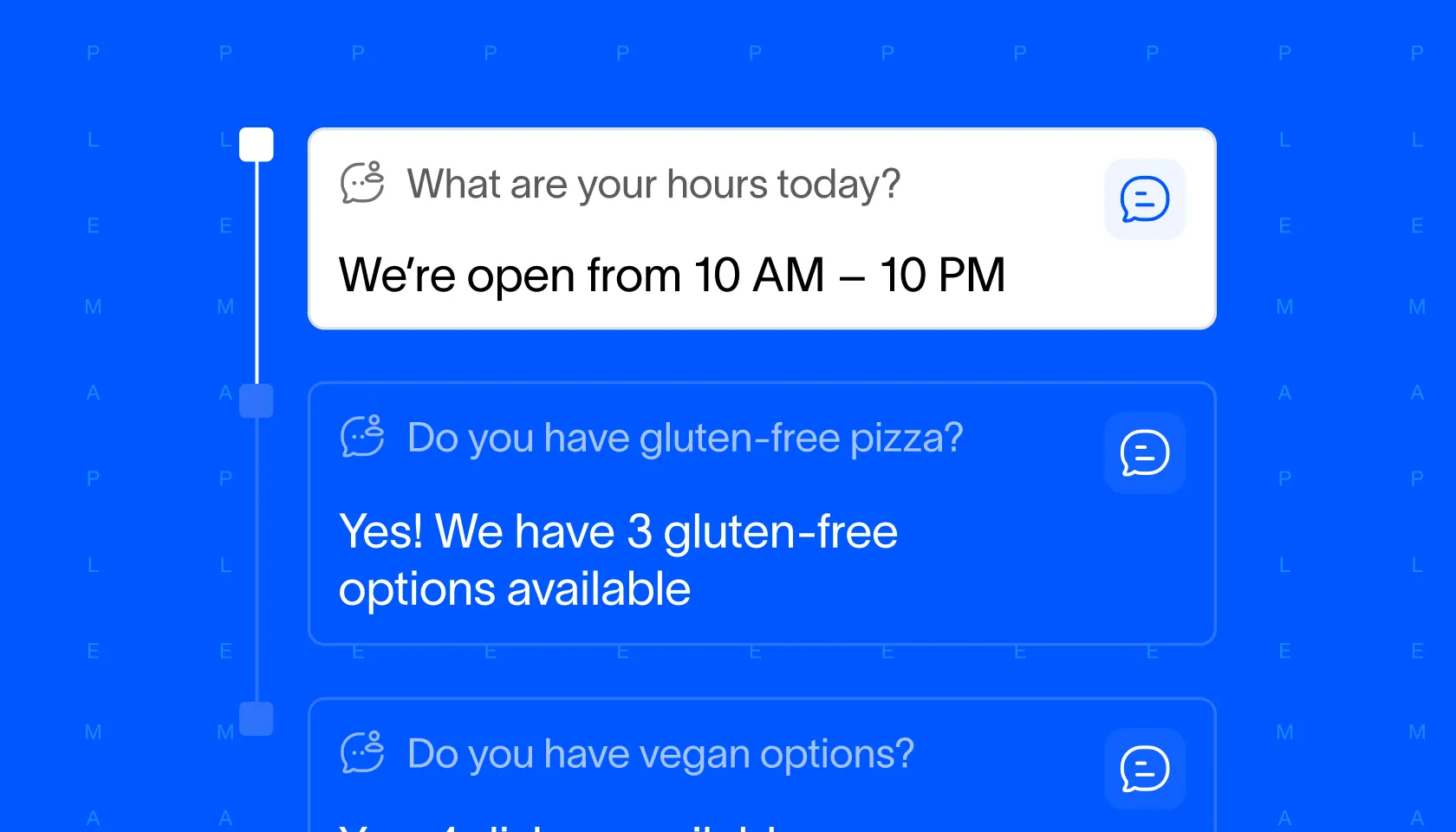
Phone orders into your POS
Bring your own menu to a Pro demo. Compare the order the caller confirms with what staff receive.
Test required choices, modifiers and unavailable items
Confirm payment flow, pickup details and the final ticket
Check your POS setup and supported workflow
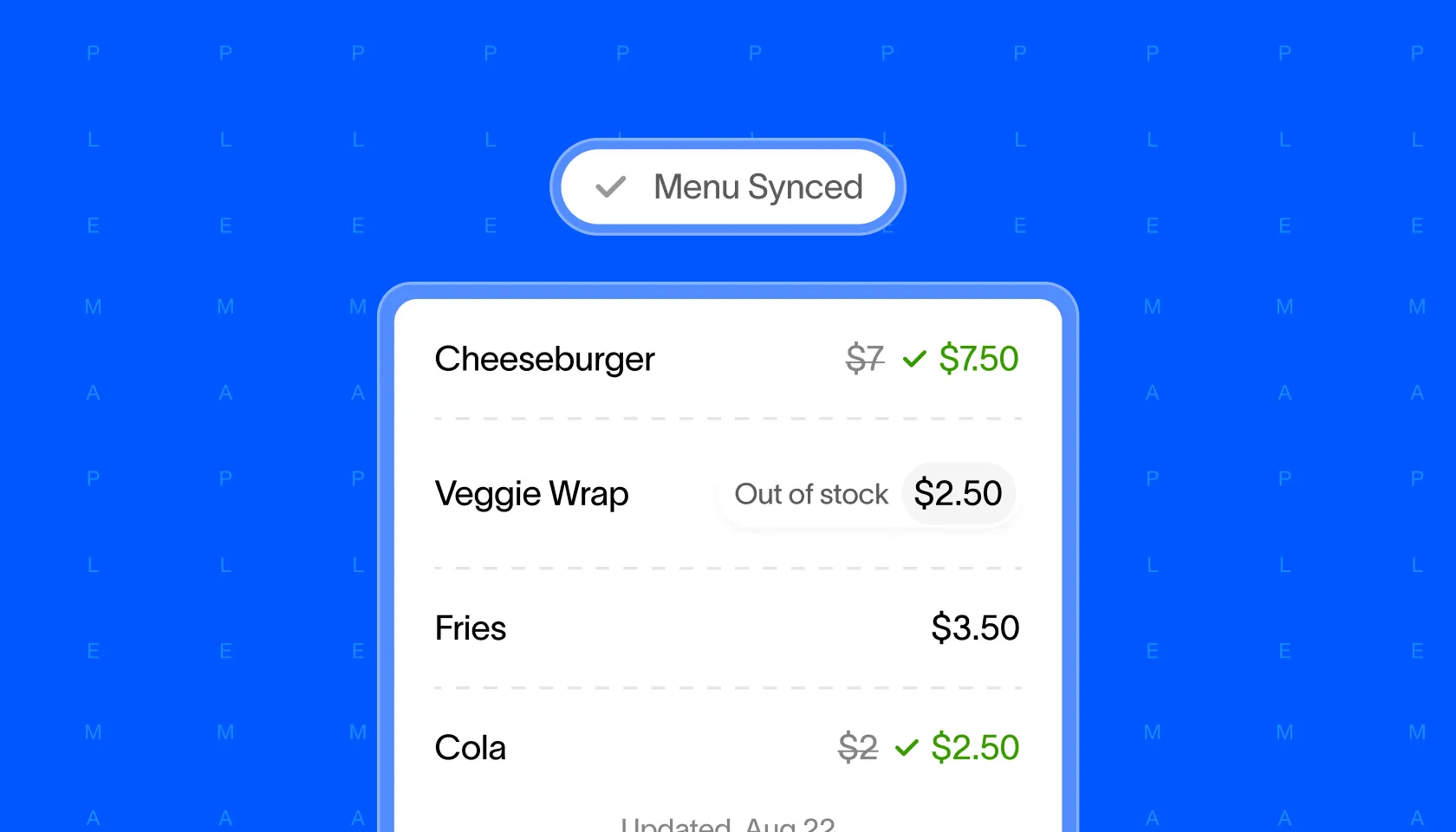
Pro includes intelligent upselling
Check suggested items, modifiers and prices in your demo
Plan a measured upselling pilot
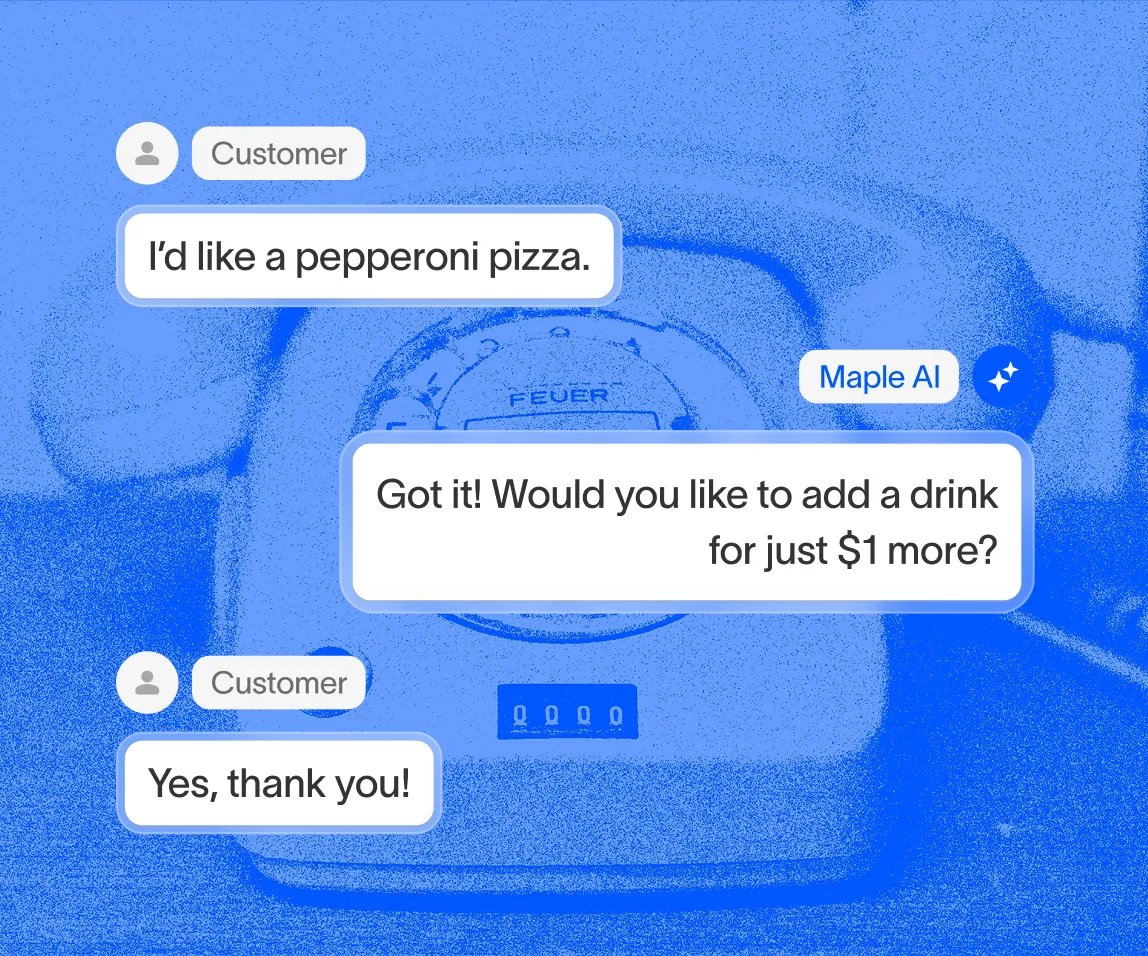
Review calls and follow-up
Voice and Pro include call analytics. Agree on the outcomes your team will review during a trial.
Count answered calls and completed requests separately
Review staff interventions, corrections and missed requests
Use your own costs in the phone-ordering calculator
Your trial review
- Completed correctly
- Orders that match the guest's confirmed request
- Needed staff help
- Transfers, corrections and follow-up work
- Not completed
- Requests that need a clear next step
- Cost per completed order
- Your plan and operating costs, using your own results
What should happen from call to kitchen?
An answered call is the start. For phone ordering, test the complete path on your restaurant's setup before you connect your live number.
- Choose the plan. Voice covers answering, FAQs and transfer. Pro adds ordering and reservations. Compare plans and billing terms.
- Confirm the setup. Review your POS, menu, hours, payment method and order destination. Ask which features are available for your location and what needs staff help.
- Place a test order. Include a required choice, a modifier and a change before checkout. Compare items, quantities, prices, pickup time and payment status with the final ticket.
- Test an exception. Ask for an unavailable item, abandon payment and request a person. Agree on the fallback and who follows up if staff cannot answer.
- Review the trial. Count orders completed correctly, orders needing staff help and requests not completed. Compare costs and corrections with your prior process.
Ordering and reservations use different systems. If you need both, test each workflow. Menu-update timing, payment methods and setup steps depend on the integration; confirm them for your restaurant.
Toast · Square · Clover · OpenTable
Download the phone trial worksheet (CSV). Bring your expected ticket, record what staff receive, and keep completed orders separate from refusals and handoffs. The sheet contains proposed tests and blank results, not customer data.